




Mobile Food Ordering FAQ
We are pleased to introduce mobile food and beverage ordering at select locations! If you have questions about the process, please see the FAQs below.
-
In 2026, all Guests can place mobile orders at Santa’s Merry Marketplace in Christmas. From burgers and pizza to Asian-inspired offerings, there’s something for everyone in the family!
In addition to Santa’s Merry Marketplace, Guests renting Cabanas or Cheetah Chaise Loungers will also have the opportunity to place mobile orders from their rental. There will be a QR Code to scan for food or drinks within each location.
-
Follow the steps below and your order will be placed in no time!
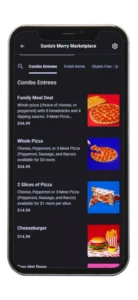
Scan or Visit
Scan the QR code posted at a participating location (Santa’s Merry Marketplace or at you Cabana/Lounger Rental) or visit the ordering link provided at the location.
Browse the menu
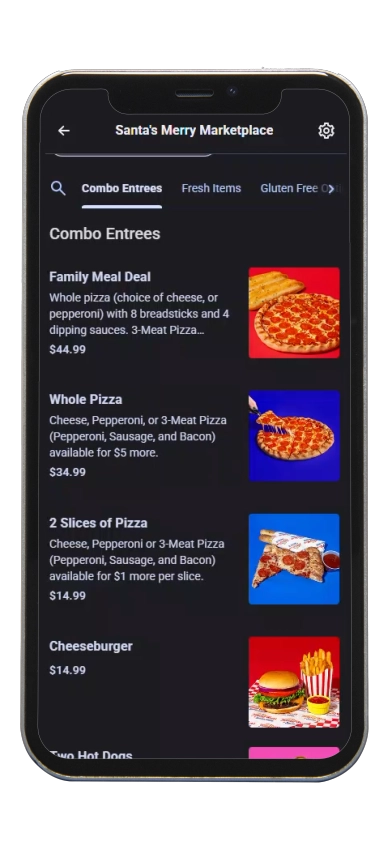
Select your items from the digital menu and add them to your cart.
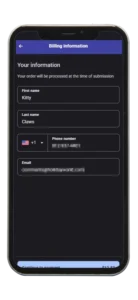
Checkout
When ready, proceed to checkout and enter your payment information.
Enter your phone number
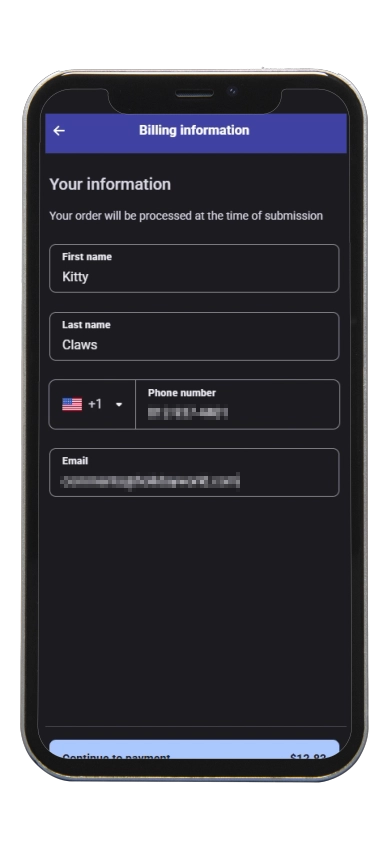
At checkout, you will be asked to provide your mobile phone number. By entering your number and placing your order, you consent to receive a one-time SMS text message notifying you when your order is ready for pickup. (We won’t use the number you enter here for anything else.)
Pick up your order
When your order is ready, you’ll receive a text alert. Head to the designated pickup window and enjoy!
-
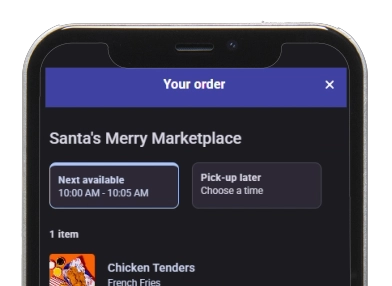
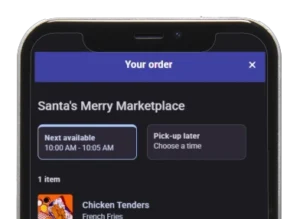 When you place a mobile order, the next available time will automatically be selected for you and depends on the amount of orders ahead of you.
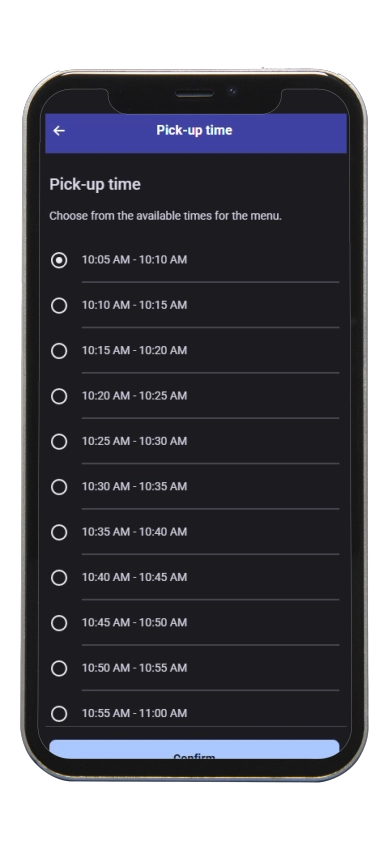
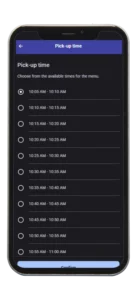 Planning ahead? You can also schedule a window of time in the future to have your food ready when you are! Select the time you want and your order will be ready within that window.
 -
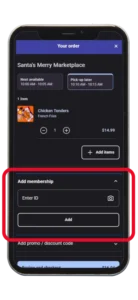
Yes!
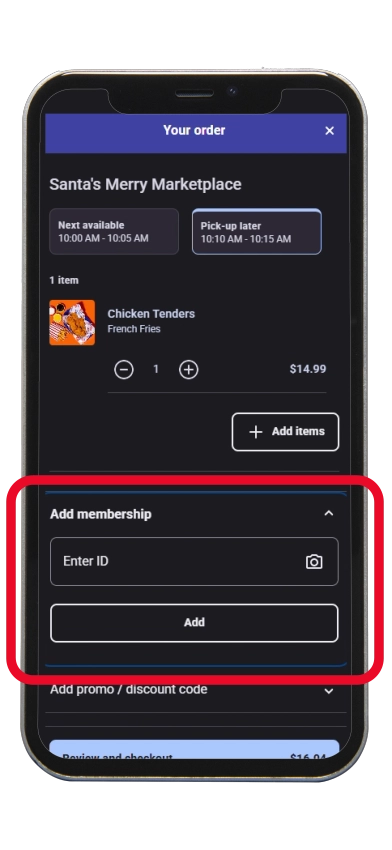
During check out, type in your Pass number under “Add Membership” and click “Add”. Your discount will be applied during checkout.
Not a Season Passholder yet? You can get 20% OFF Food & Merchandise with a Platinum Season Pass or 10% OFF Food & Merchandise with a Season Pass. Plus, get other great benefits, too!
-
Your personal information will only be used for notifcations for an individual order. There’s no account or sign-up needed.
• An order receipt will be emailed to you at the address you provide.
• A text message will be sent to the phone number you provide to let you know your order is ready for pickup.
Entering your information for mobile food orders does not automatically sign you up for any marketing or promotional messaging from Holiday World & Splashin’ Safari.
If you would like to receive these messages that include tips, deals, sweepstakes, and more, you can opt in here via text and/or email.
 We utilize services from accesso Freedom & Twilio for mobile food & beverage ordering. By providing your phone number, you agree to receive an order ready text. This is not an opt in for future texting. We don’t use your phone number for anything else. Message and data rates may apply. Message frequency: one message per order. By entering your cell phone number in the billing section during your order, you consent to receive a one time SMS.
accesso‘s Privacy Policy | Twilio’s Privacy Policy | Holiday World & Splashin’ Safari’s Privacy Policy